Skip to content

Tutorials and walkthroughs

Content version 2026-10-07. Screenshots come only from passing automated browser checks.

Tutorials

List a production as a studio

For studio · Not verified yet · Workspace opening is captured in the studio walkthrough; listing creation is not automated.

  1. Sign in, open Your account and create (or claim) your studio organisation.
  2. In the studio workspace open Listings and add a project with title, format and stage.
  3. Add sponsorship packages; amounts you type are your own planning figures.
  4. Leave it as a draft until you are ready; only published listings are visible to the public.

Prepare a demo campaign as a brand

For brand · Not verified yet · Brand workspace capture only; campaign creation/approval is never automated.

  1. Open your brand workspace and go to Campaigns.
  2. Create a campaign with a public budget band; the exact budget stays visible to members only.
  3. Keep it as a draft while you practise; AniViewz never approves or launches campaigns for you.

Embed a published listing on your website

For studio · Checked by automated tests · tests/e2e/embed_roundtrip.py (framing, messages, resize, expired state) on a TEST_ONLY harness.

  1. Publish the listing from your workspace.
  2. In Workspace → Developers → Embedding, approve your website's exact address (for example https://www.example.com).
  3. Issue an embed token for that listing and website; it is shown once and expires.
  4. Add <iframe src="https://aniviewz.com/embed/listing/<kind>/<id>?t=<token>" title="AniViewz listing"></iframe>.
  5. Other websites cannot show the widget. An expired or revoked token shows a clear “Widget unavailable” message.

Call the SDK with a TEST_ONLY public ID

For developer · Checked by automated tests · tests/e2e/sdk_readback_retention.py; tests/e2e/sdk_rate_adapter.py

  1. Issue a TEST_ONLY public ID for your exact website origin in Workspace → Developers.
  2. Call init({ publicId, environment: "TEST_ONLY", scopes: ["READ_ONLY"], baseUrl: "https://aniviewz.com" }).
  3. Call negotiate() first; it lists only what your ID allows.
  4. Each ID allows 60 requests per minute; beyond that you receive RATE_LIMITED (429).
  5. On your server, use createServerVerifier from the ./server entry to confirm a placement before showing it.

Install the web pixel in test mode

For developer · Checked by automated tests · packages/sdk-core pixel tests; sdk_readback_retention.py withdrawal checks; g14_closure.py

  1. Create the SDK client with a TEST_ONLY public ID that includes event sending.
  2. Create the pixel; it records nothing and sends nothing until you call grantConsent(policyVersion).
  3. Report placementRendered / placementClick with your placement ID only — never URLs or personal data.
  4. Page views are off by default: call enablePageViews() after consent, then pageView('/listing/:id') with a path or template; query and hash are stripped and full URLs are refused.
  5. declareOutcome('signup' | 'lead_submitted' | 'add_to_cart' | 'purchase_declared' | 'download' | 'contact_request' | 'x.<namespace>.<name>') records a self-reported outcome. It is DECLARED, not a verified conversion or proof of sale; a value is allowed only for purchase_declared, add_to_cart and custom types.
  6. If a visitor withdraws consent, call withdrawAndDelete(): unsent events are discarded and sent test events are deleted.

Add app instrumentation (Android / iOS)

For developer · Not verified yet · JVM/Linux unit checks only; Android emulator and iOS simulator not run (BUILD_NOT_VERIFIED).

  1. Use the separate Kotlin or Swift library; do not wrap the web pixel in a web view.
  2. Pass a TEST_ONLY public ID with event sending; check events with the debugger on the Developers page.
  3. Events wait for consent and are cleared on withdrawal; no device or advertising IDs are collected.

Walkthroughs by role

Captured by an automated browser run on TEST_ONLY sample organisations (build e9a0524+wt, 2026-10-10T13:34:11+00:00). A picture appears only after the page and its saved data were checked; anything else is marked not verified.

public

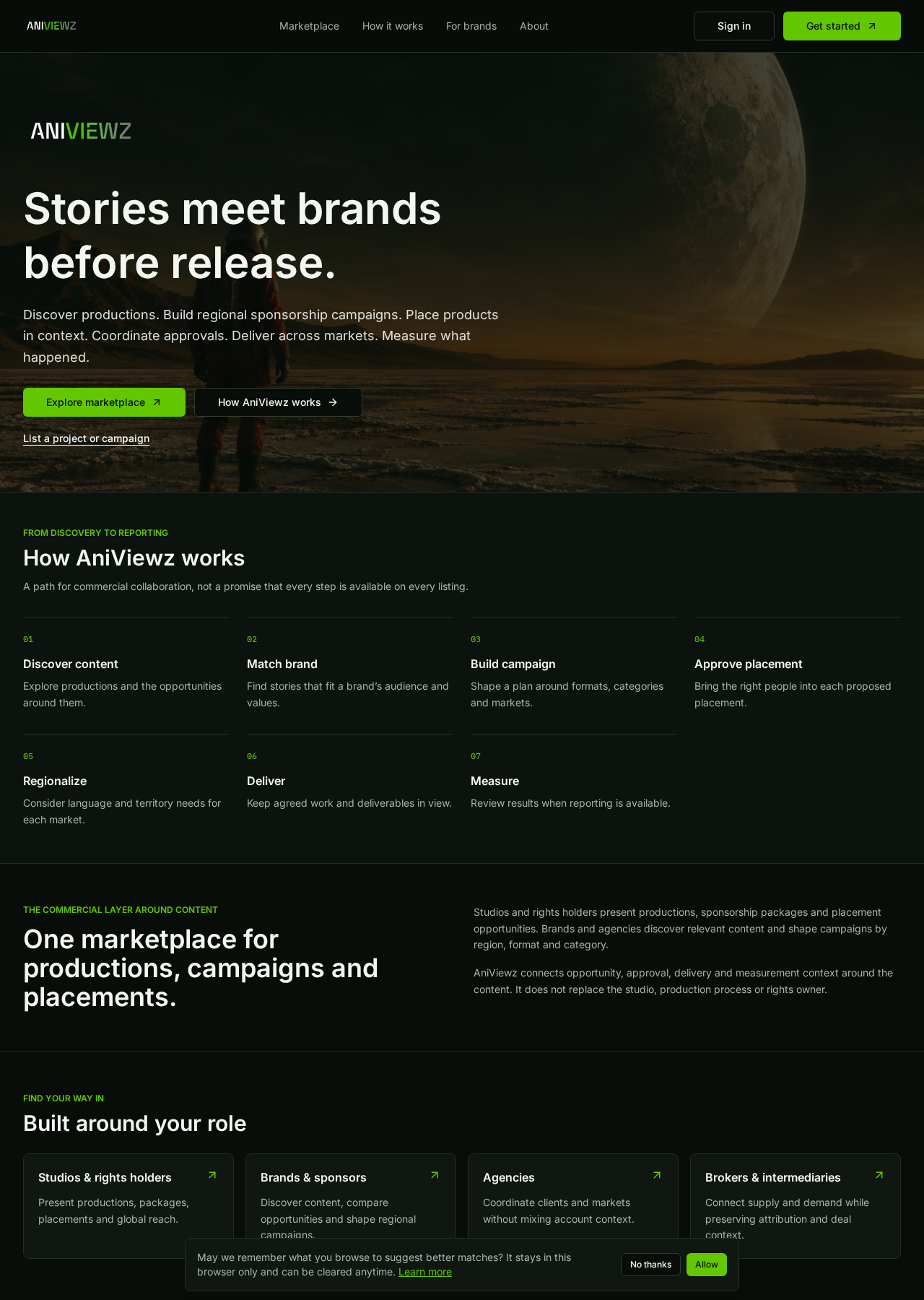
  1. VerifiedHome page explains the marketplace
    Home page explains the marketplace
    / · 1280x1800 · 2026-10-10T13:33:27+00:00 · sha256 655a2ab6f4d5dfc7
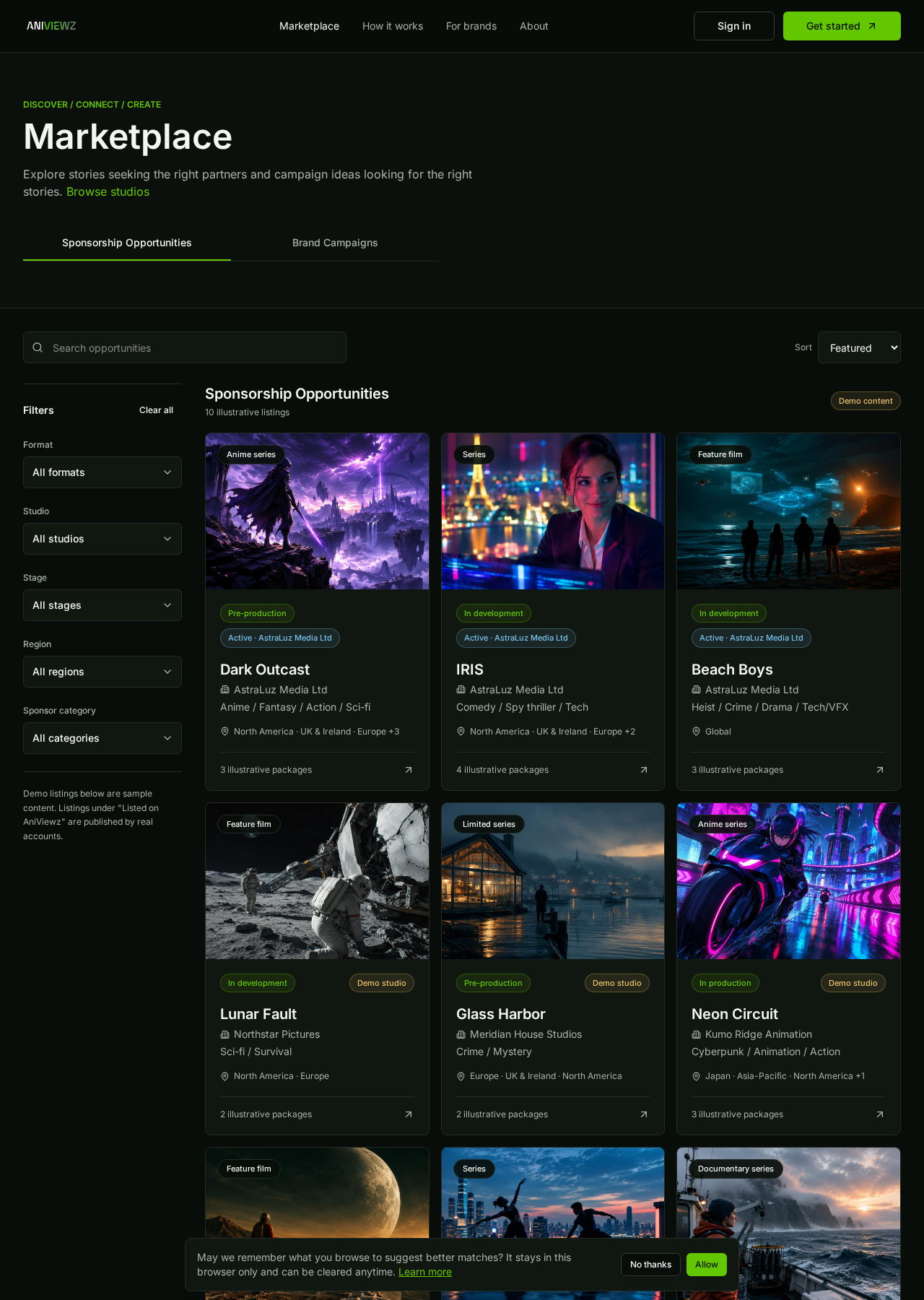
  2. VerifiedBrowse the marketplace (published listings + labelled demo)
    Browse the marketplace (published listings + labelled demo)
    /marketplace · 1280x1800 · 2026-10-10T13:33:29+00:00 · sha256 390b73b97caaf739
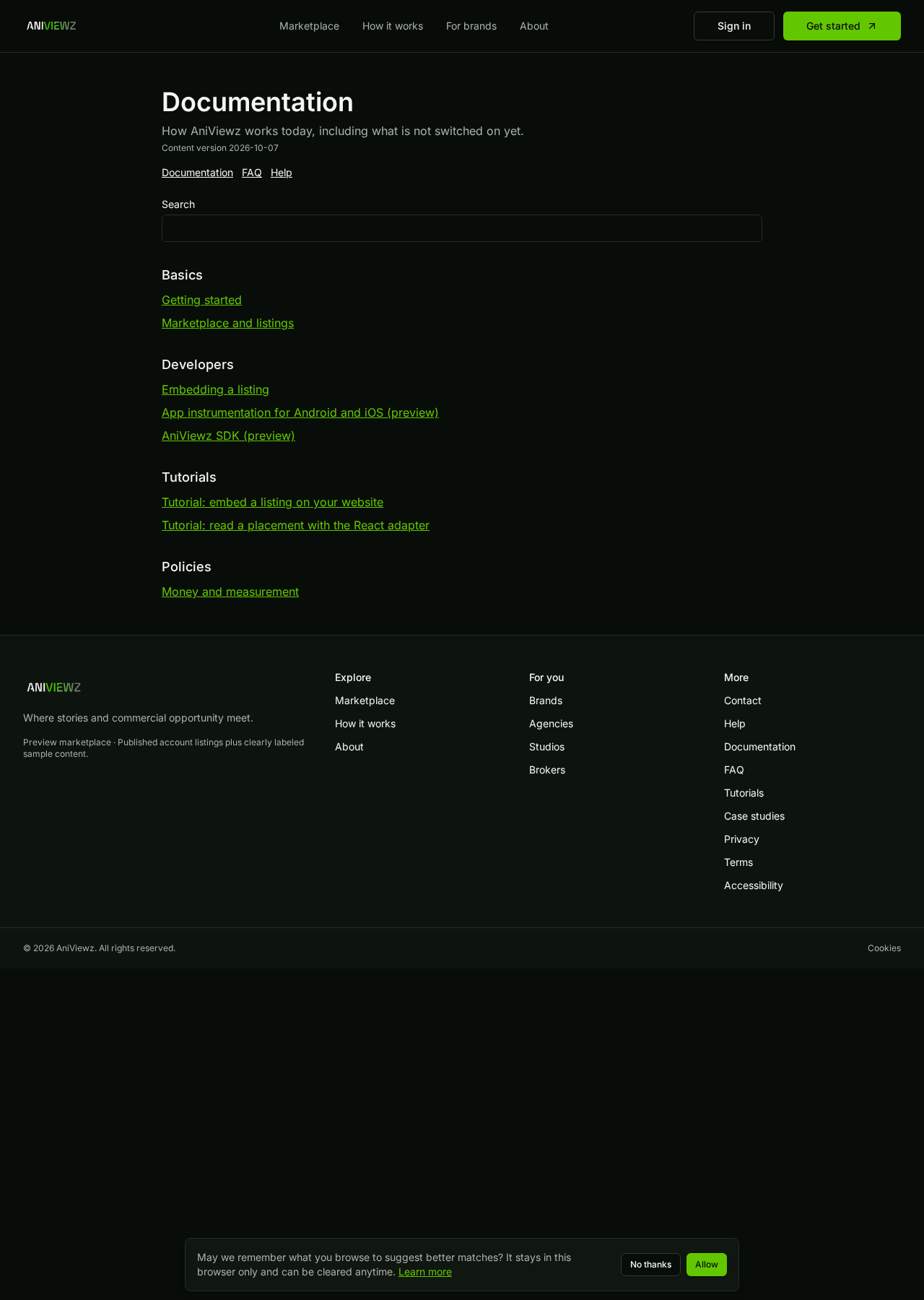
  3. VerifiedDocumentation hub
    Documentation hub
    /docs · 1280x1800 · 2026-10-10T13:33:32+00:00 · sha256 16d966c69c0efd04
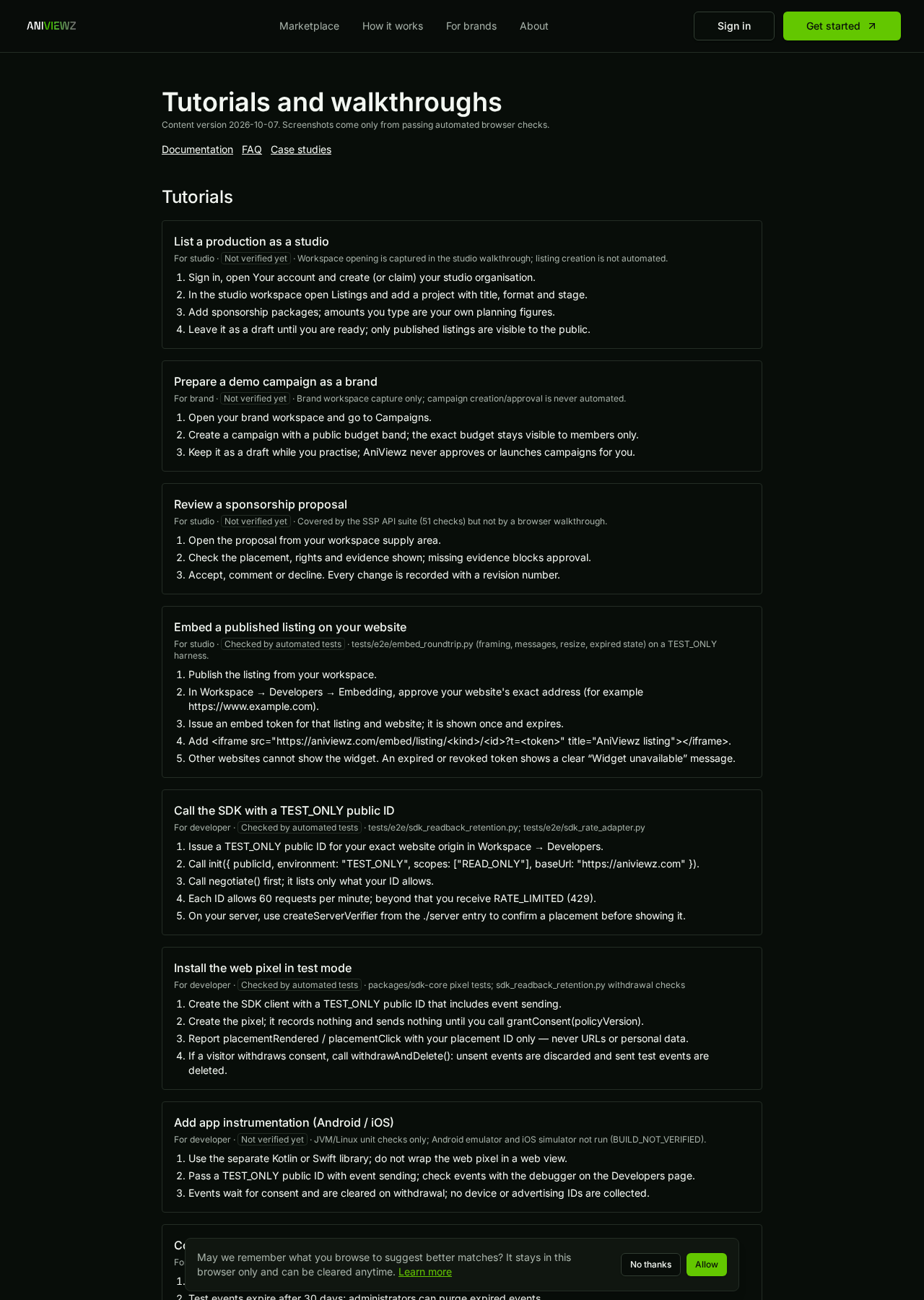
  4. VerifiedTask guides with verification status per guide
    Task guides with verification status per guide
    /learn · 1280x1800 · 2026-10-10T13:33:33+00:00 · sha256 2562831b4df7b21a
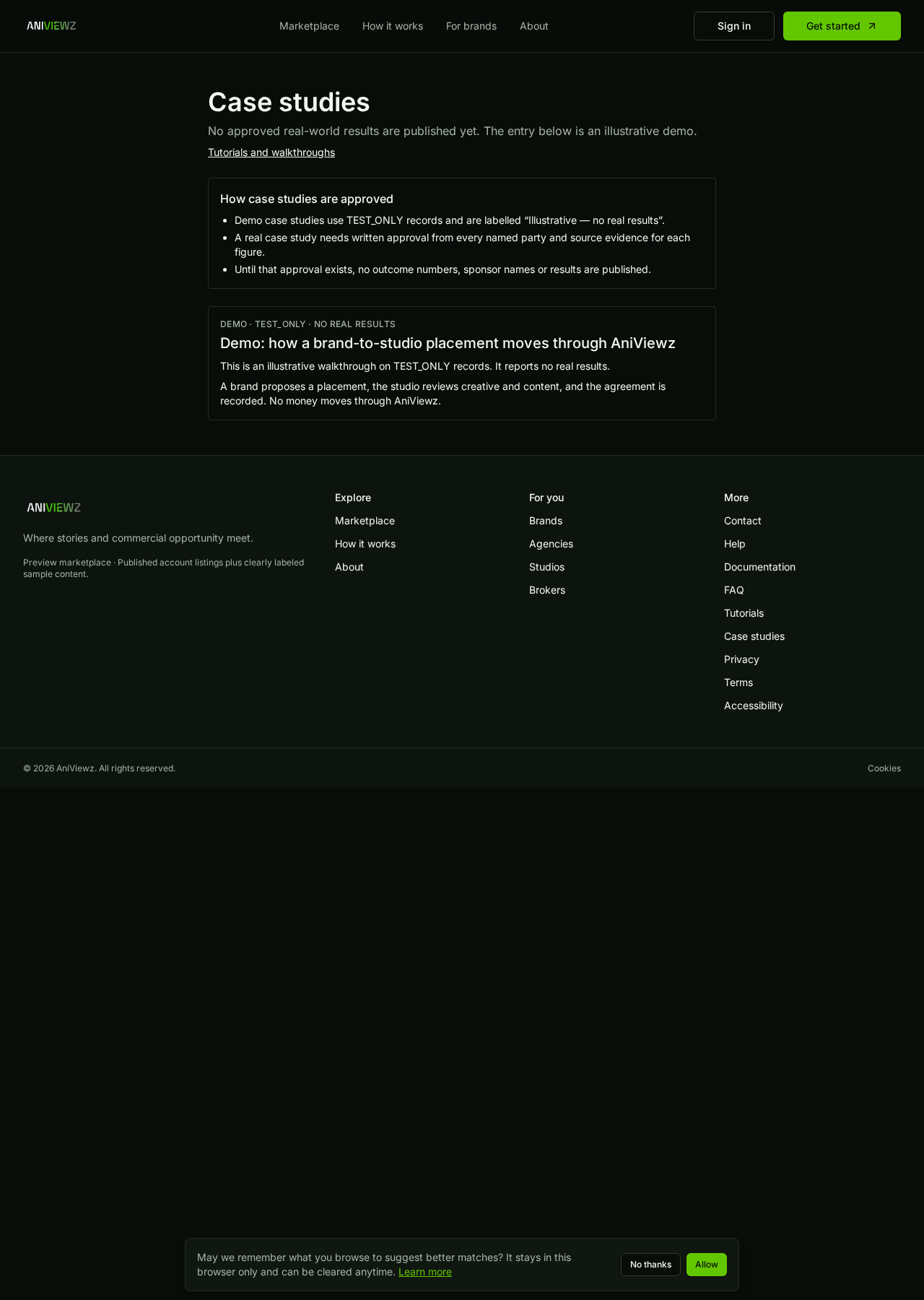
  5. VerifiedCase studies: demo-only with approval rules
    Case studies: demo-only with approval rules
    /case-studies · 1280x1800 · 2026-10-10T13:33:34+00:00 · sha256 7ac4db9d03a6985f
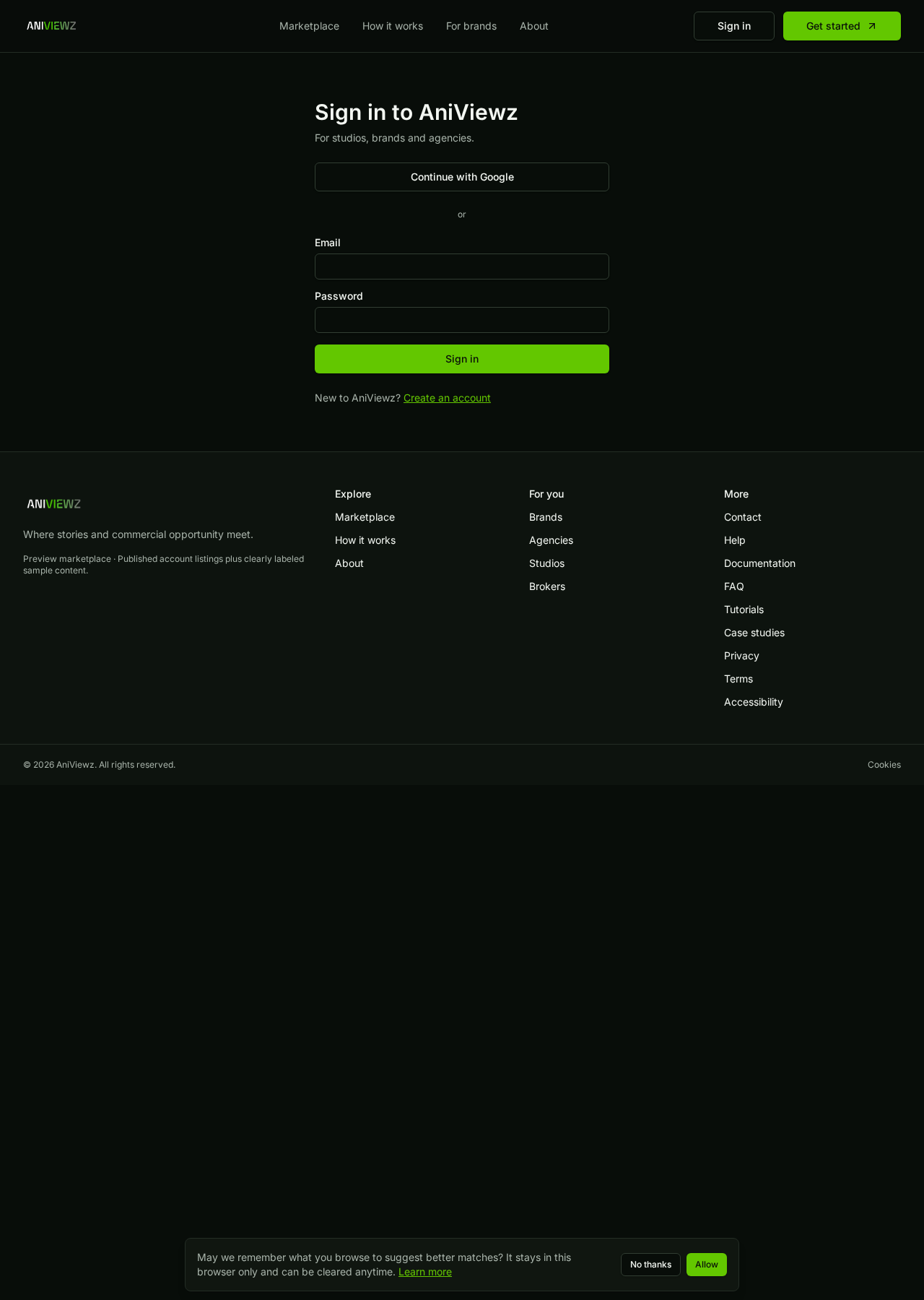
  6. VerifiedSigned-out visitors are sent to sign in from admin pages
    Signed-out visitors are sent to sign in from admin pages
    /admin/system · 1280x1800 · 2026-10-10T13:33:35+00:00 · sha256 5346dbc1a7d694cf
  7. Not verified yetProduction listing flowsProduction capture not authorised; TEST_ONLY only.

brand

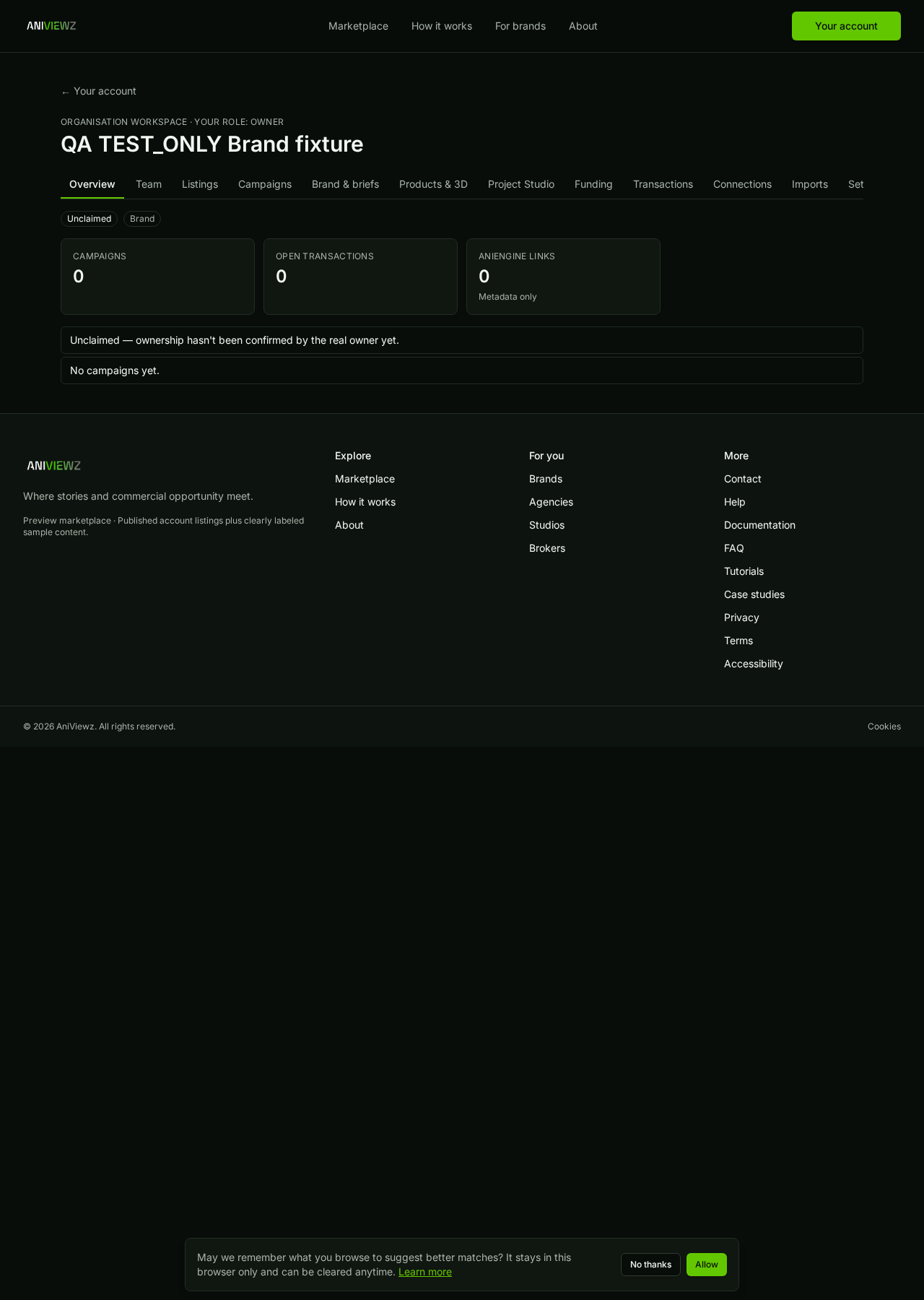
  1. VerifiedBrand workspace for a TEST_ONLY brand
    Brand workspace for a TEST_ONLY brand
    /manage/51f1ab08-9943-4319-9924-37f06218d649 · 1280x1800 · 2026-10-10T13:33:38+00:00 · sha256 3c44022742e89b8b
  2. Not verified yetApprove a campaign placementCampaign approval is never automated (no approval inserts).

studio

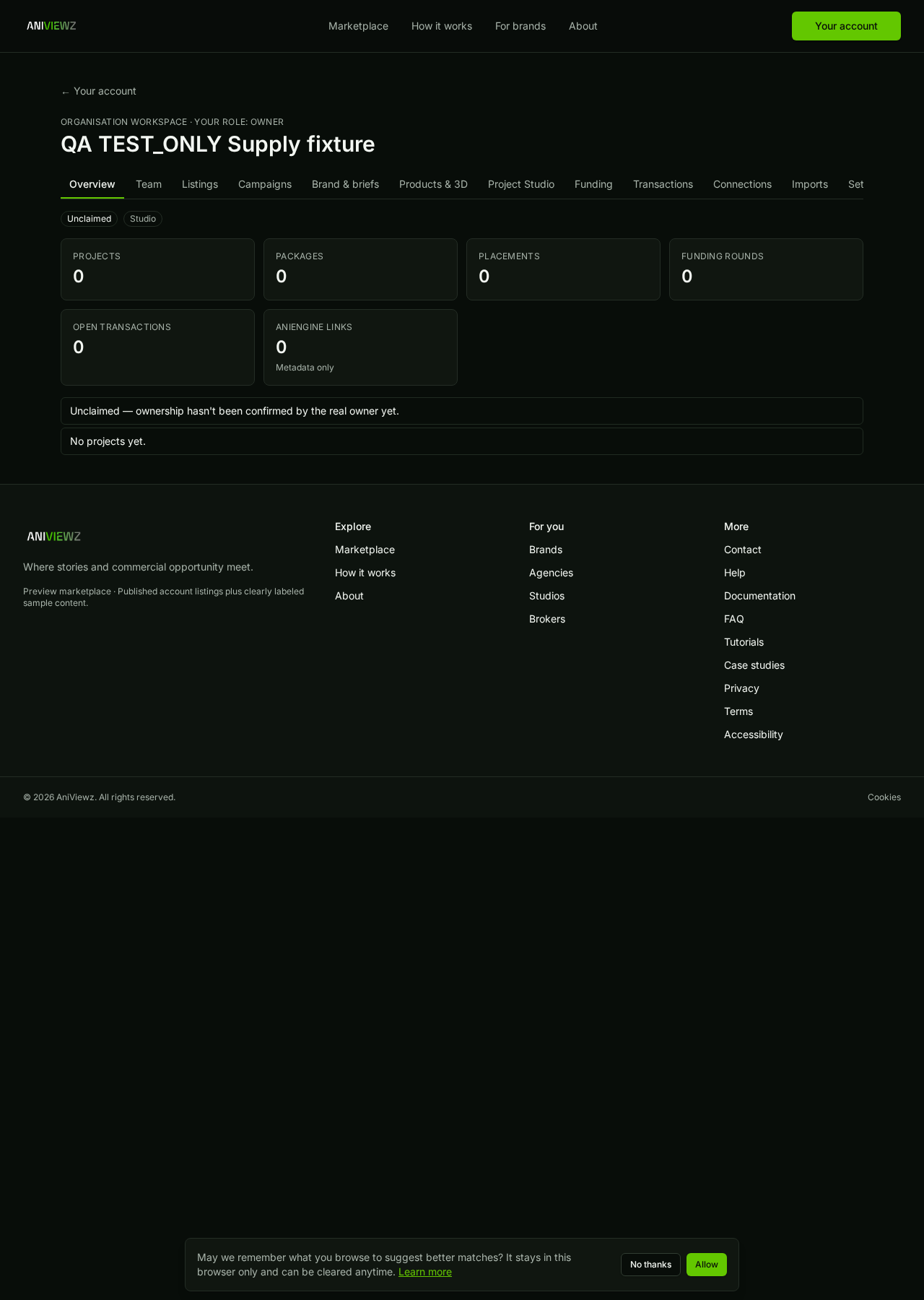
  1. VerifiedStudio workspace for a TEST_ONLY studio
    Studio workspace for a TEST_ONLY studio
    /manage/abc69019-73d6-4cc9-98cc-c8cb88cb6aad · 1280x1800 · 2026-10-10T13:33:41+00:00 · sha256 7795fec1cfd3eb4f
  2. Not verified yetAniEngine check-only intake receiptShown only when matched to an existing TEST_ONLY receipt; not captured this run.

agency

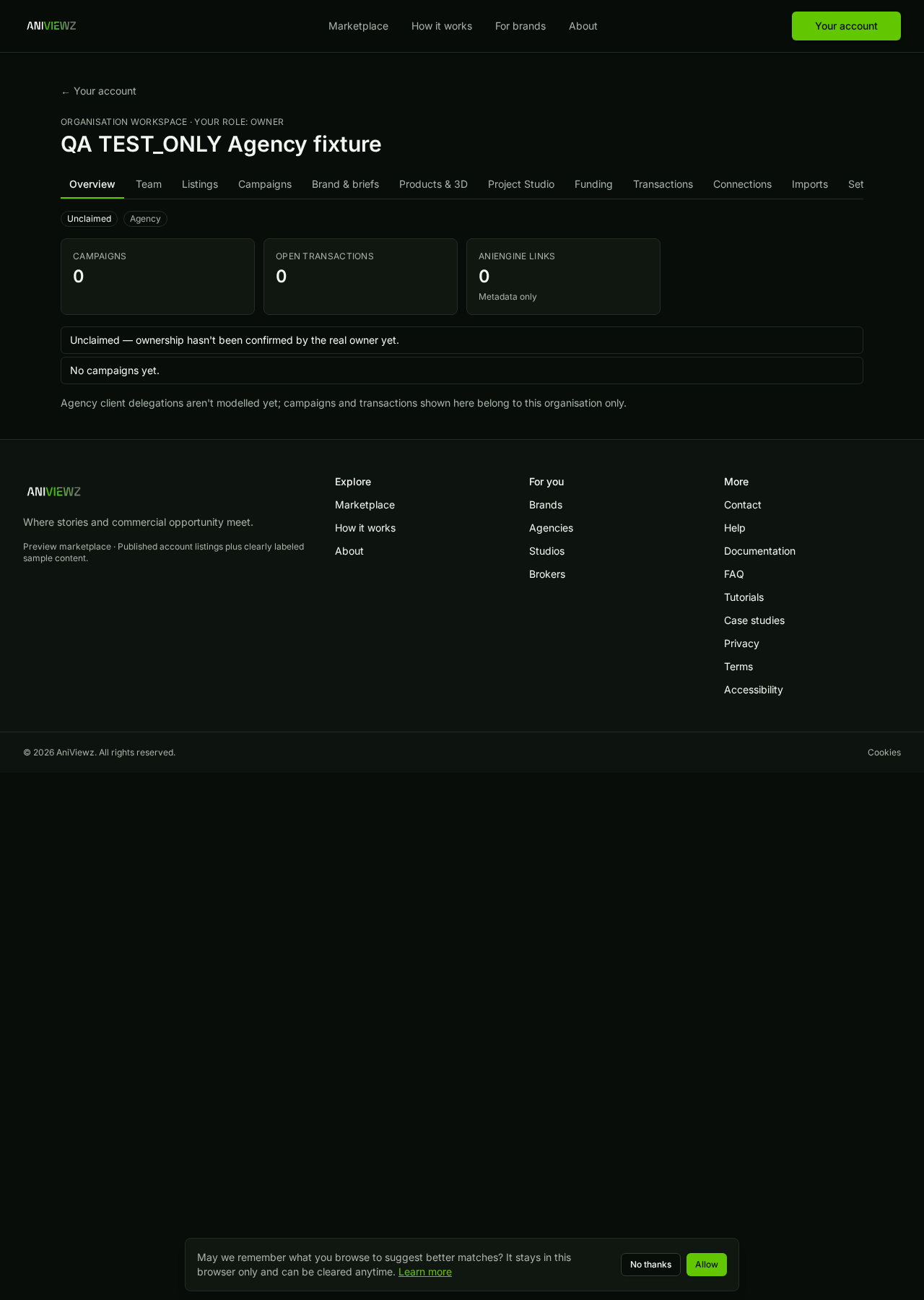
  1. VerifiedAgency workspace for a TEST_ONLY agency
    Agency workspace for a TEST_ONLY agency
    /manage/89b5f0d9-ea5f-4814-a998-750a4f0f9db1 · 1280x1800 · 2026-10-10T13:33:43+00:00 · sha256 af9e303b5d4868be

developer

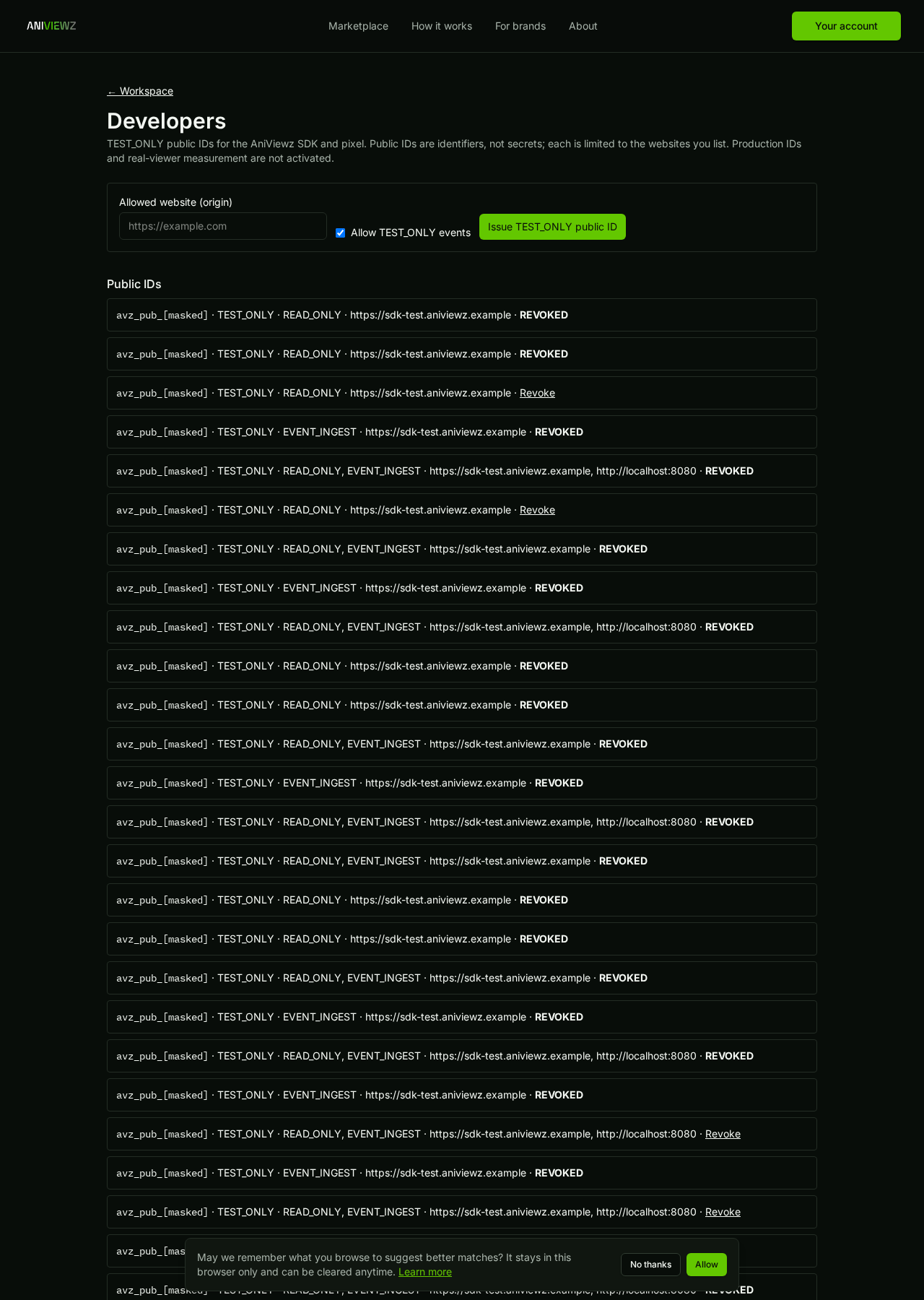
  1. VerifiedDeveloper page: TEST_ONLY public IDs and event debugger
    Developer page: TEST_ONLY public IDs and event debugger
    /developers/831b7de5-0fad-4228-a207-9792db50698e · 1280x1800 · 2026-10-10T13:33:45+00:00 · sha256 790469da8d5ff328
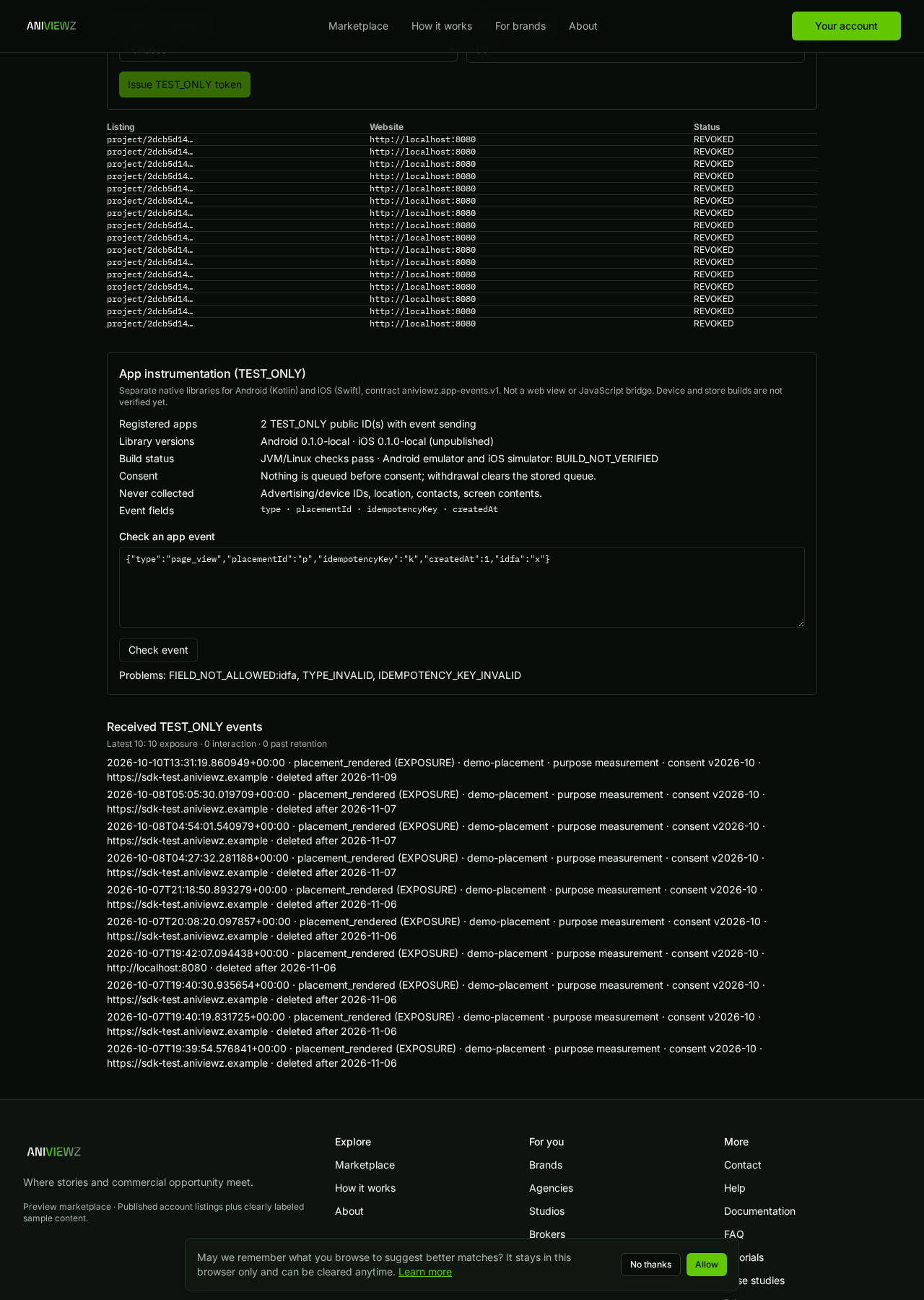
  2. VerifiedApp registration and event debugger (TEST_ONLY, device builds not verified)
    App registration and event debugger (TEST_ONLY, device builds not verified)
    /developers/831b7de5-0fad-4228-a207-9792db50698e · 1280x1800 · 2026-10-10T13:33:47+00:00 · sha256 477cf02f3ef5165a

global admin

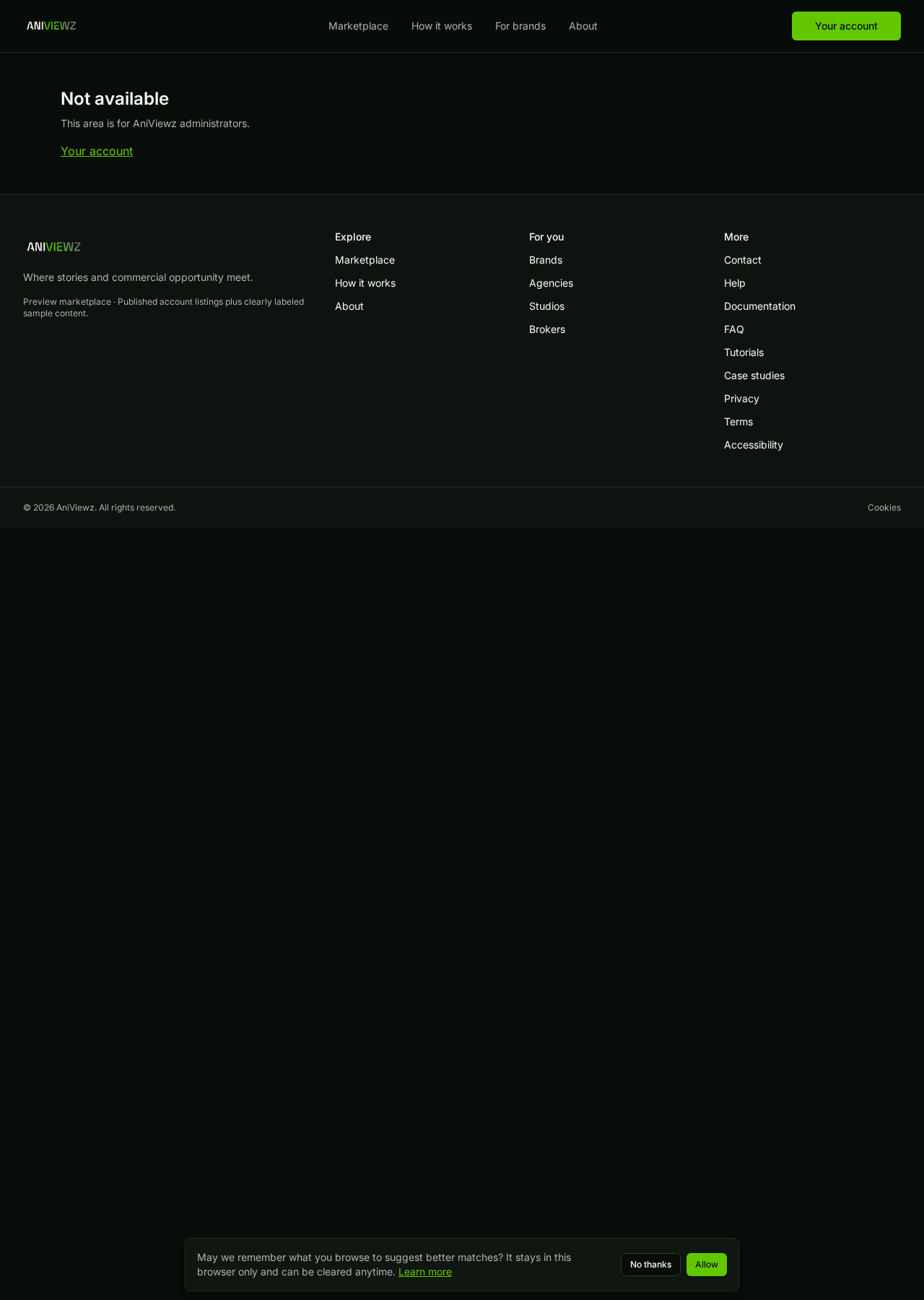
  1. VerifiedNon-admin members cannot read the incident log
    Non-admin members cannot read the incident log
    /admin/system/incidents · 1280x1800 · 2026-10-10T13:33:49+00:00 · sha256 fd387a8b2dce71c0
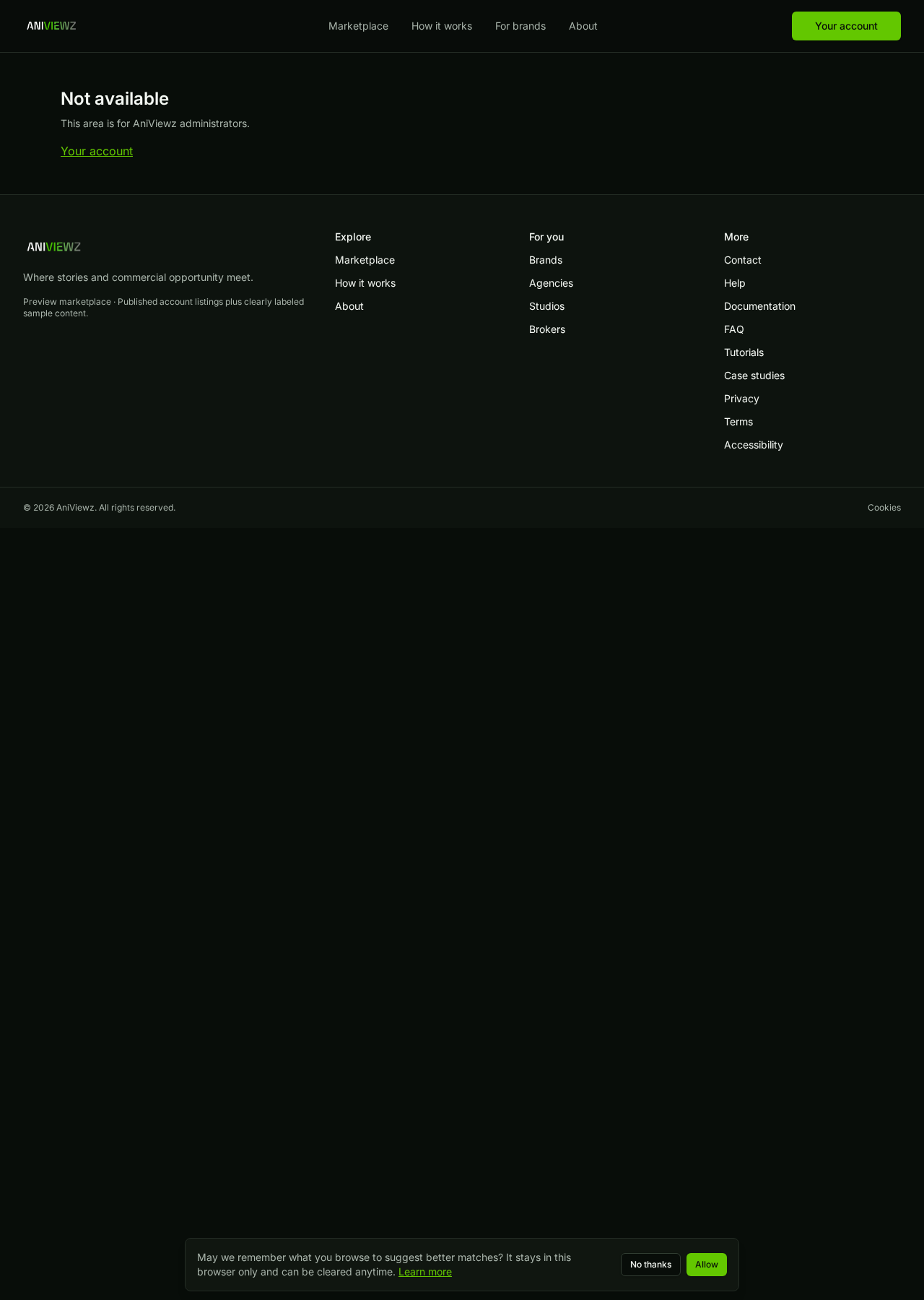
  2. VerifiedNon-admin members cannot open the testing dashboard
    Non-admin members cannot open the testing dashboard
    /admin/system/testing · 1280x1800 · 2026-10-10T13:33:51+00:00 · sha256 fd387a8b2dce71c0
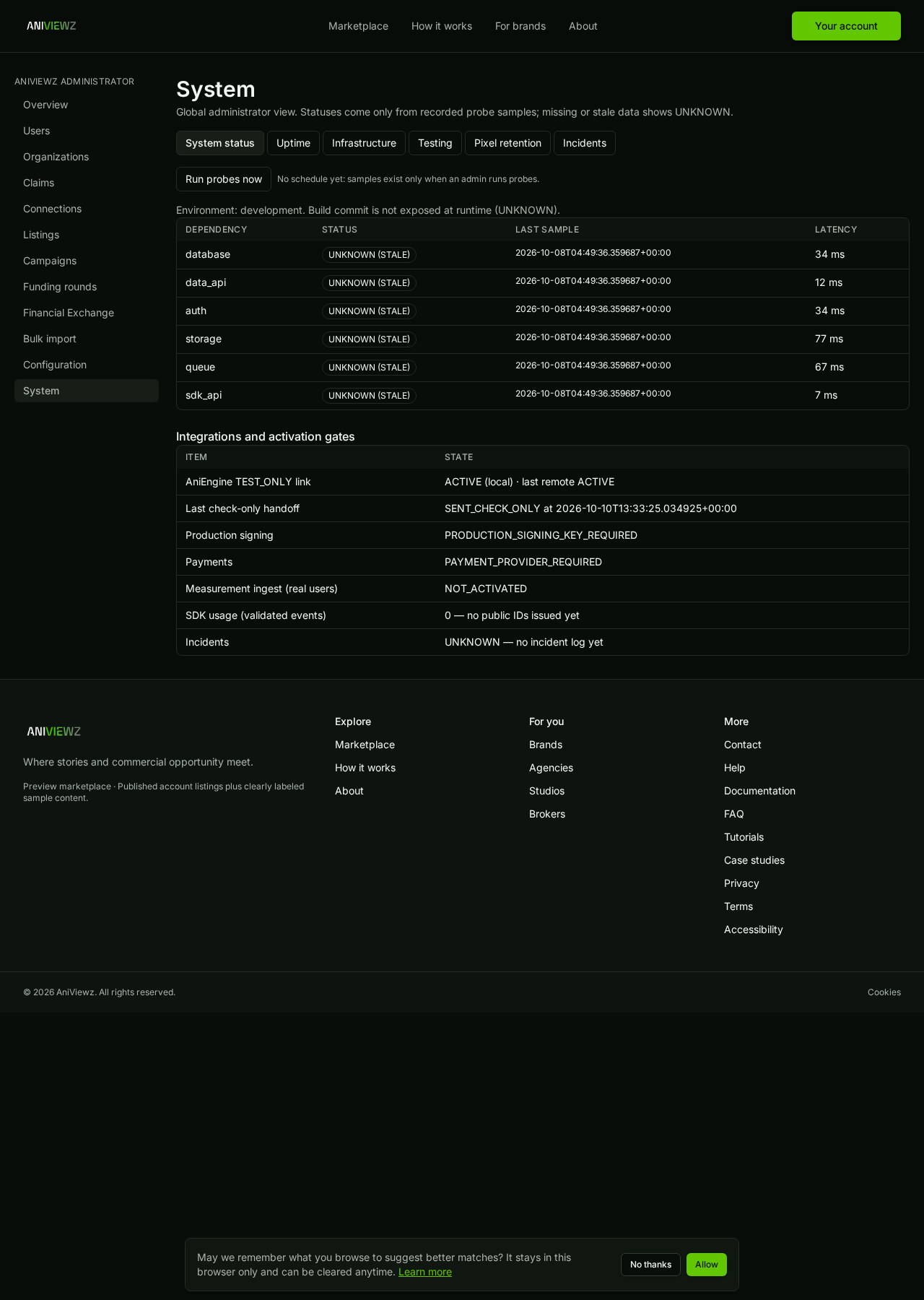
  3. VerifiedSystem status from recorded probes
    System status from recorded probes
    /admin/system · 1280x1800 · 2026-10-10T13:33:53+00:00 · sha256 766a5cd58714d5c8
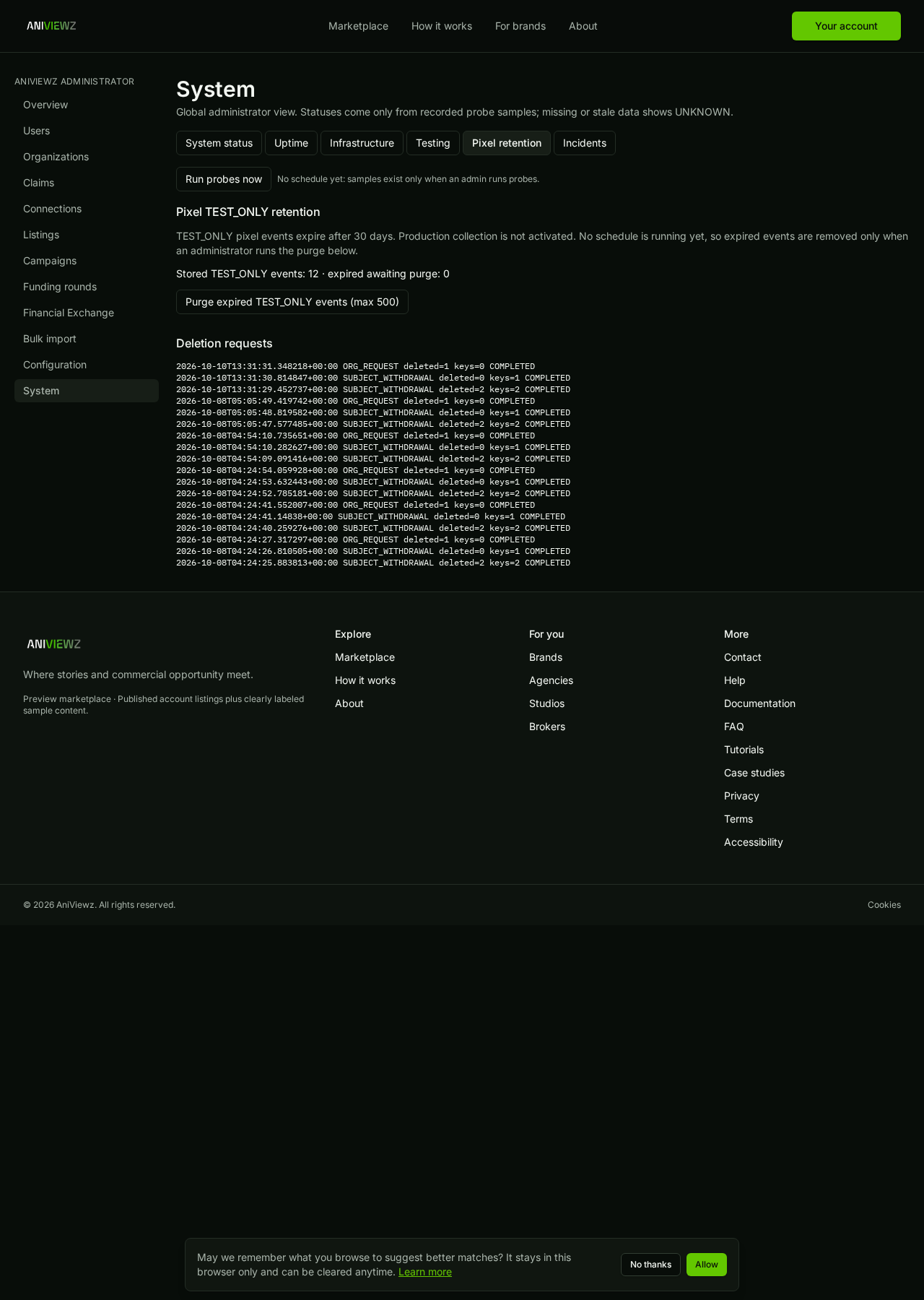
  4. VerifiedPixel TEST_ONLY retention and deletion requests
    Pixel TEST_ONLY retention and deletion requests
    /admin/system/retention · 1280x1800 · 2026-10-10T13:33:56+00:00 · sha256 40ec887cf6957e9c
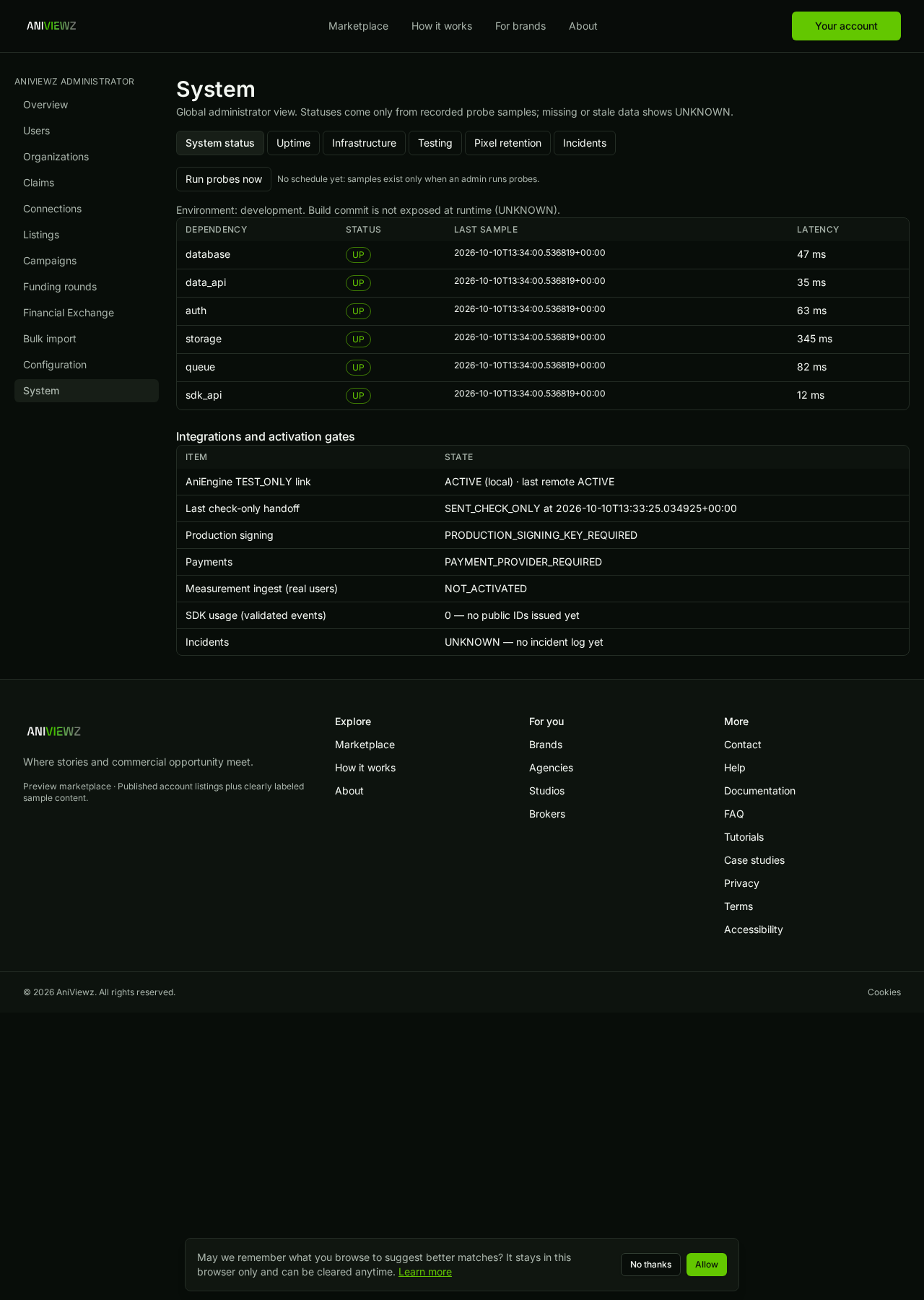
  5. VerifiedManual probe run incl. queue backlog and SDK API (schedule BLOCKED_OWNER)
    Manual probe run incl. queue backlog and SDK API (schedule BLOCKED_OWNER)
    /admin/system · 1280x1800 · 2026-10-10T13:33:58+00:00 · sha256 5993482903c14fca
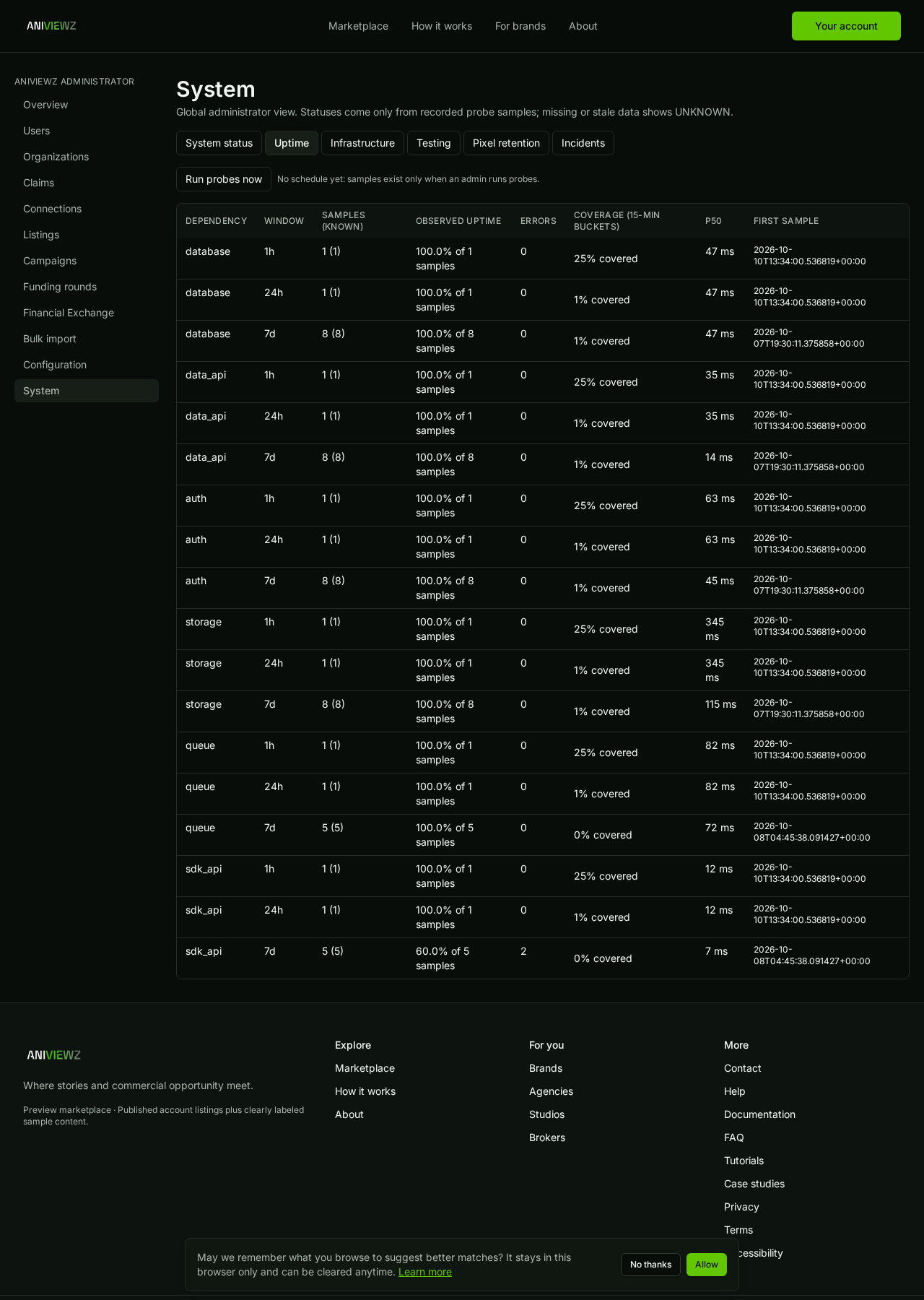
  6. VerifiedUptime coverage from recorded samples (gaps shown as UNKNOWN)
    Uptime coverage from recorded samples (gaps shown as UNKNOWN)
    /admin/system/uptime · 1280x1800 · 2026-10-10T13:34:01+00:00 · sha256 ee10787ba7c463ea
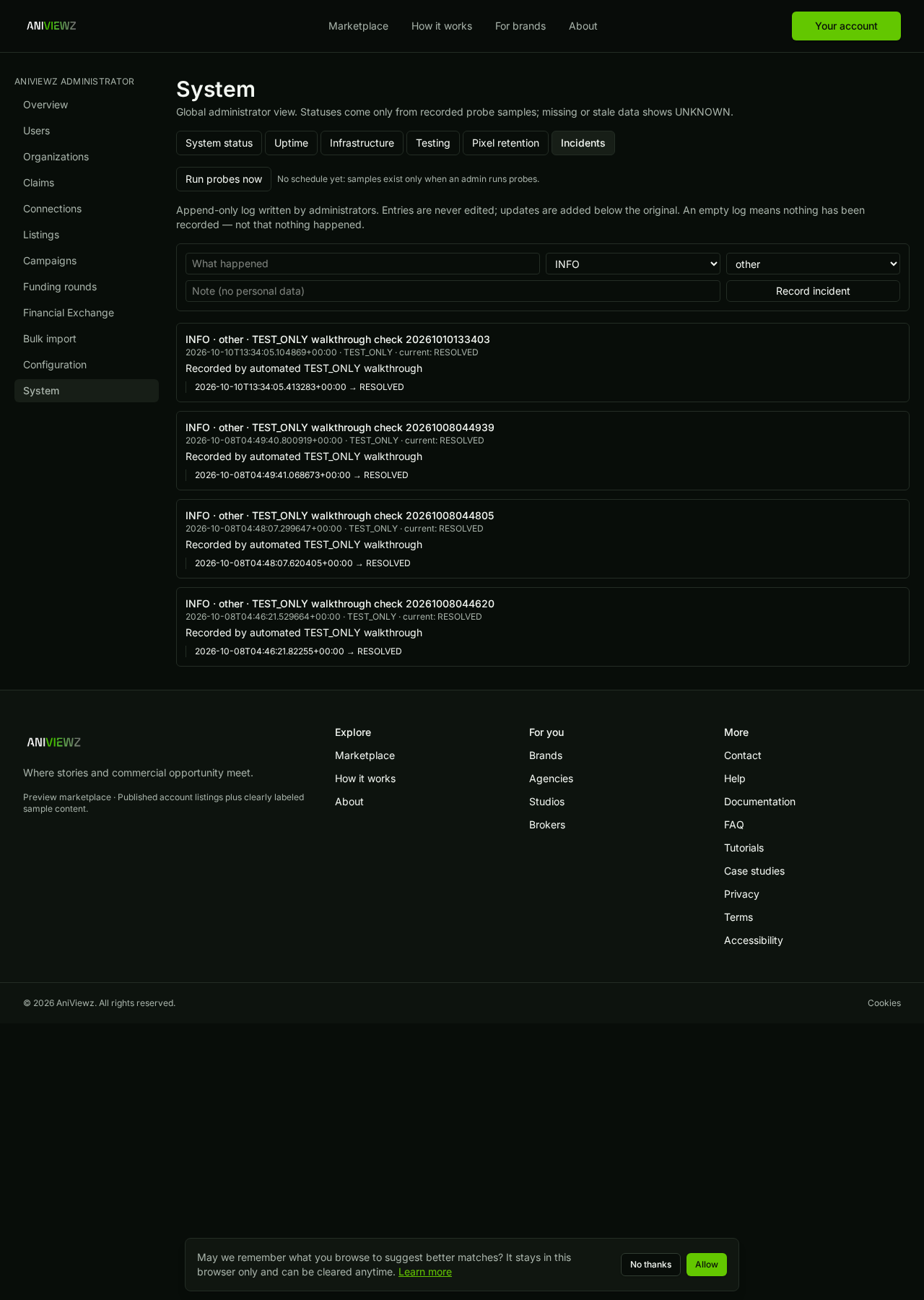
  7. VerifiedAppend-only incident log: record and resolve a TEST_ONLY entry
    Append-only incident log: record and resolve a TEST_ONLY entry
    /admin/system/incidents · 1280x1800 · 2026-10-10T13:34:03+00:00 · sha256 26714b8ccc8f42de
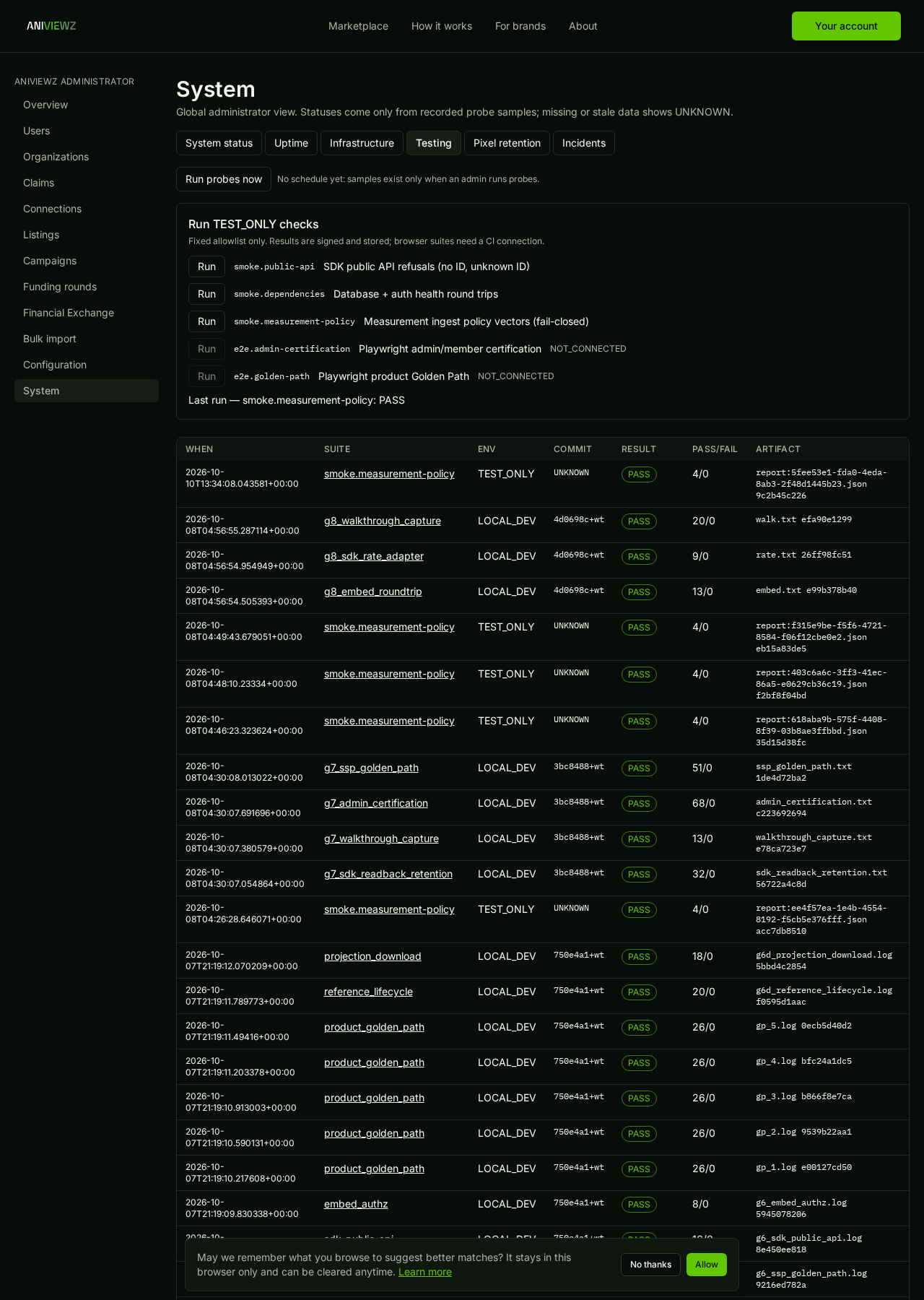
  8. VerifiedRun an allowlisted TEST_ONLY suite (signed result stored)
    Run an allowlisted TEST_ONLY suite (signed result stored)
    /admin/system/testing · 1280x1800 · 2026-10-10T13:34:06+00:00 · sha256 7829ba5ca2470bfb
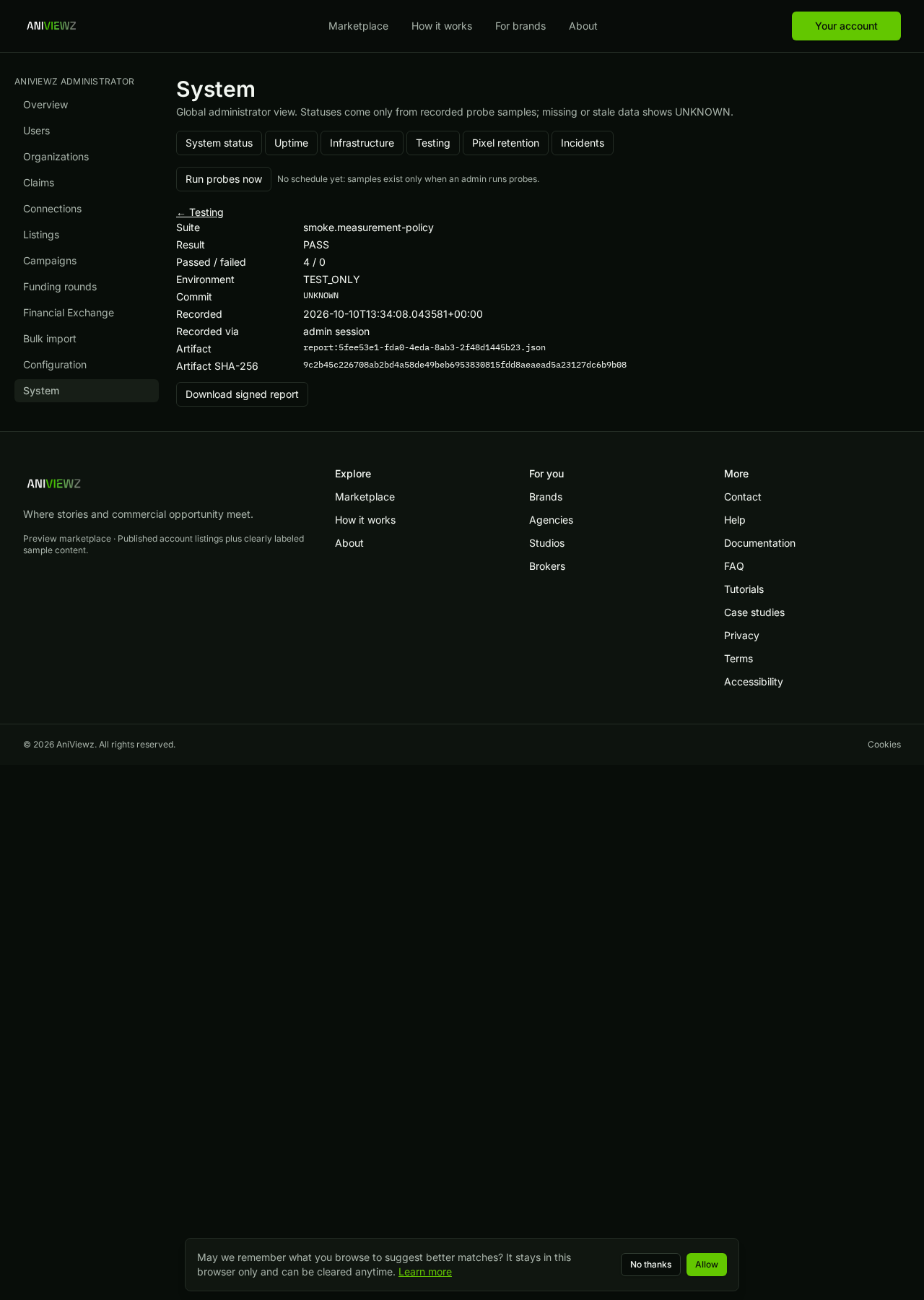
  9. VerifiedRun detail with downloadable signed, redacted report
    Run detail with downloadable signed, redacted report
    /admin/system/run/5fee53e1-fda0-4eda-8ab3-2f48d1445b23 · 1280x1800 · 2026-10-10T13:34:08+00:00 · sha256 ca2a0838a63e5513